Traffic Analysis Ecosystem

Optimize trafficanalysis withTrafficNex

Standardize data collection, junction modeling and technical indicator calculations per QCVN, TCVN and ministry circulars … — maximum efficiency, maximum accuracy.

3–5daysmanual per report
½–1daywith TrafficNex
80%time saved
Technical basis

Calculated to the standards and regulations in force.

TrafficNex builds on the documents below. The engineer still checks the results and remains responsible for them.

Regulations, standards and circulars applied

  • QCVN 41:2024/BGTVTQuy chuẩn kỹ thuật quốc gia về Báo hiệu đường bộ.
  • QCVN 07-4:2023/BXDQuy chuẩn kỹ thuật quốc gia về Hạ tầng kỹ thuật — Công trình giao thông đô thị.
  • TCVN 13592:2022Đường đô thị — Yêu cầu thiết kế.
  • Quyết định 543/QĐ-BGTVTNăm 2018, hướng dẫn về yêu cầu chung đối với công tác điều tra, khảo sát lưu lượng, tải trọng và dự báo giao thông phục vụ công tác lập dự án đầu tư xây dựng công trình giao thông đường bộ, do Bộ trưởng Bộ Giao thông vận tải ban hành.
  • TCCS 38:2022/TCĐBVNÁo đường mềm — các yêu cầu và chỉ dẫn thiết kế.
  • TCCS 24:2018/TCĐBVNThiết kế điều khiển giao thông đường bộ bằng đèn tín hiệu.

Reference standards

  • Highway Capacity Manual (HCM)Hoa Kỳ (AASHTO / TRB).
  • Thông tư 16/2025/TT-BXDQuy định chi tiết một số điều của Luật Quy hoạch đô thị và nông thôn (hướng dẫn hồ sơ, dữ liệu quy hoạch không gian/GIS).

Document titles are Vietnamese legal citations and are shown in Vietnamese.

Ecosystem

Data flows seamlessly from vehicle counting to service quality assessment

A continuous data flow from traffic surveys to level of service (LOS) assessment — completely eliminating data re-entry between stages.

Live01 · NEX COUNT

Nex Count

  • Standardizes, classifies and aggregates vehicle traffic survey data by time slot (PCU/h).
  • Automatically generates traffic volume appendices.
Count & classify
  1. 01 Nex Count

    LiveCount & classify

    • Classifies and totals PCU/h
    • Exports volume appendices
  2. 02 Nex Model

    LiveModeling, analysis & reporting

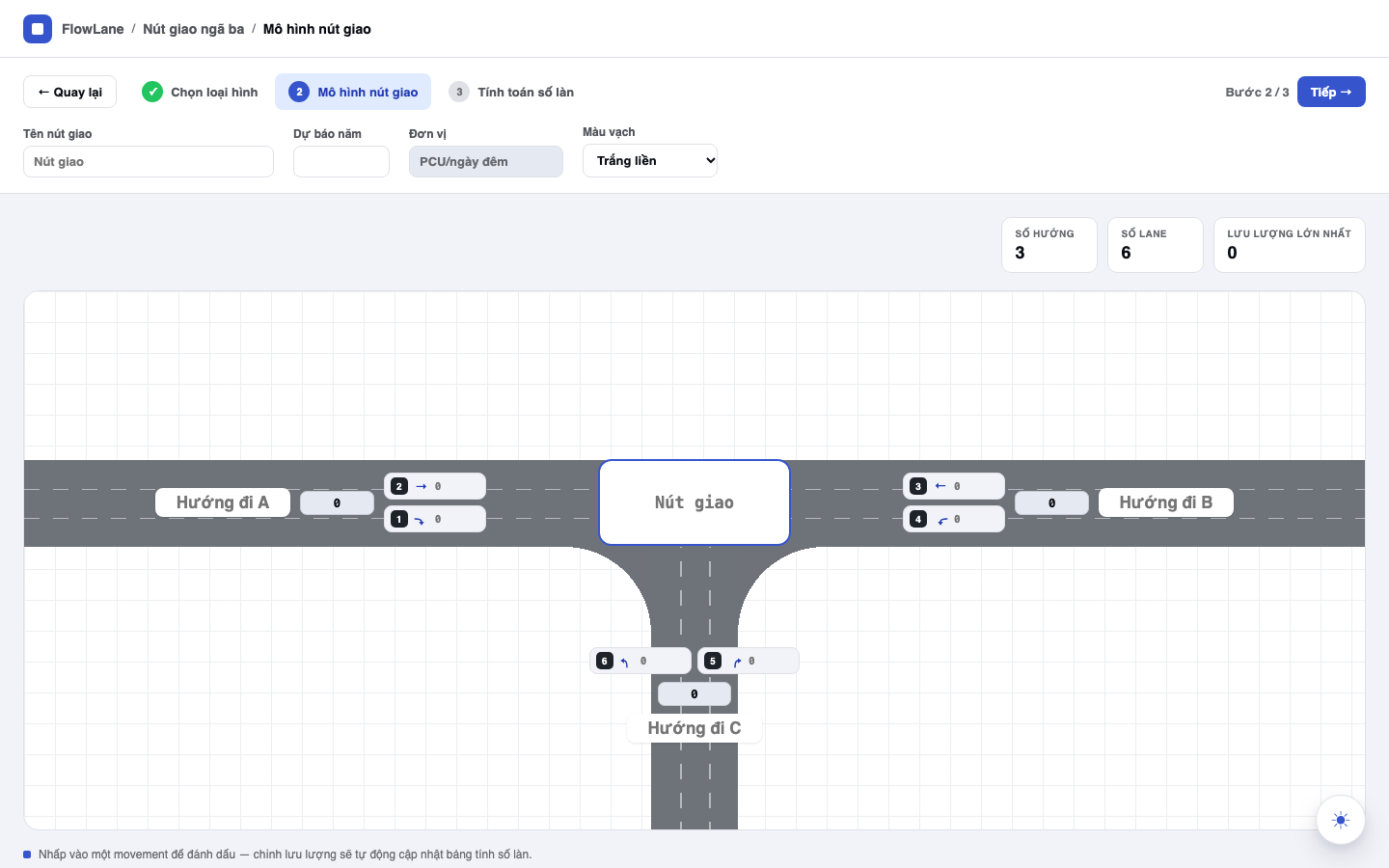
    • Models roads & junctions
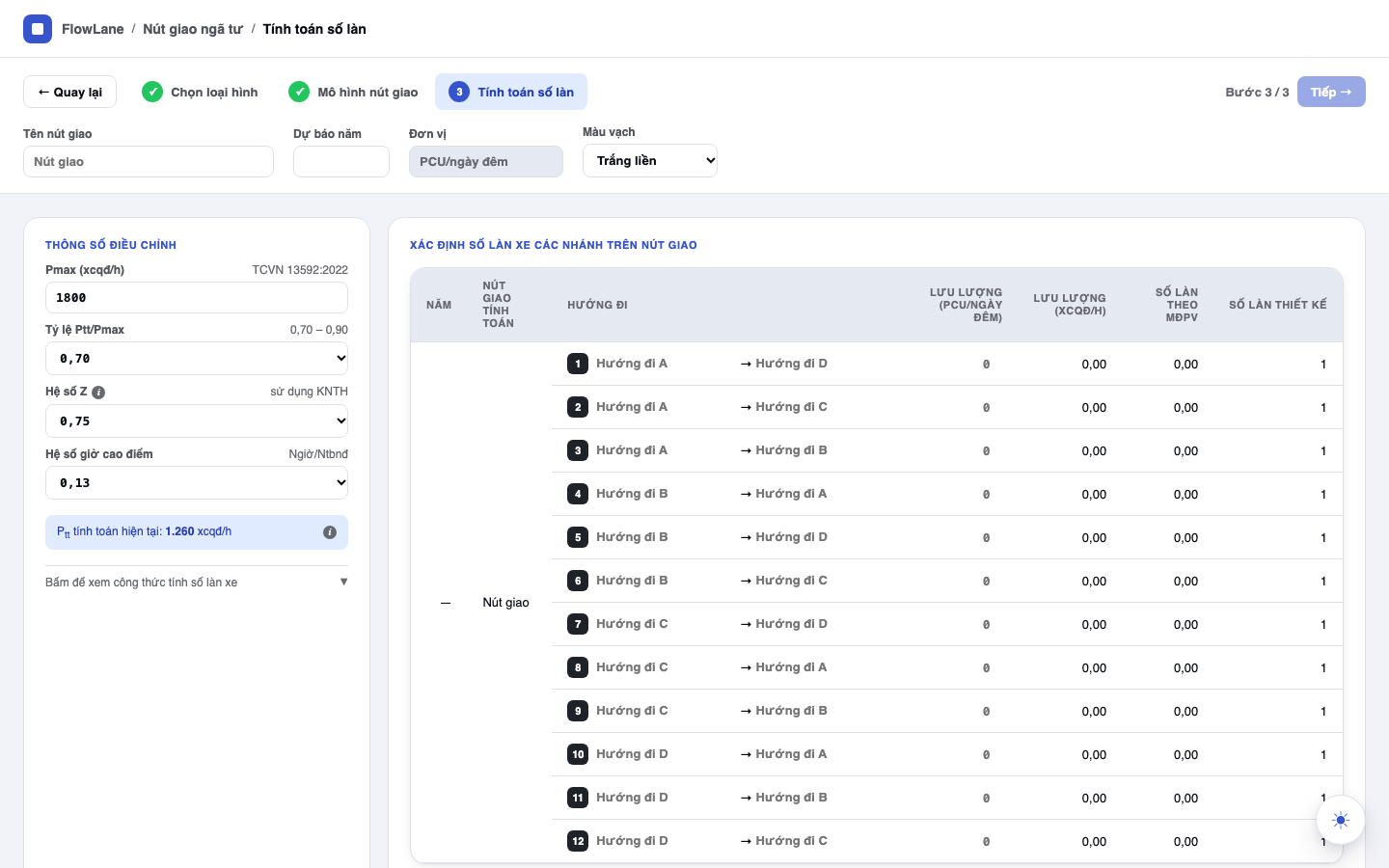
    • Sizes lanes & forecasts
    • Exports flow diagrams
    • Reports with charts
  3. 03 Nex Intersection & Signal

    Coming soonIntersection & signal timing

    • Junction geometry
    • Exports geometry diagrams
    • Optimizes signal cycles
    • Exports phase diagrams
  4. 04 Nex LOS

    Coming soonAnalysis & assessment

    • Rates LOS & delay
    • Per QCVN, TCVN, HCM
    • LOS, v/c and delay tables
  5. 05 Nex Simulation

    Coming soonTraffic simulation

    • Takes data from Nex LOS
    • Simulates PCU traffic
    • Exports report videos
How it works

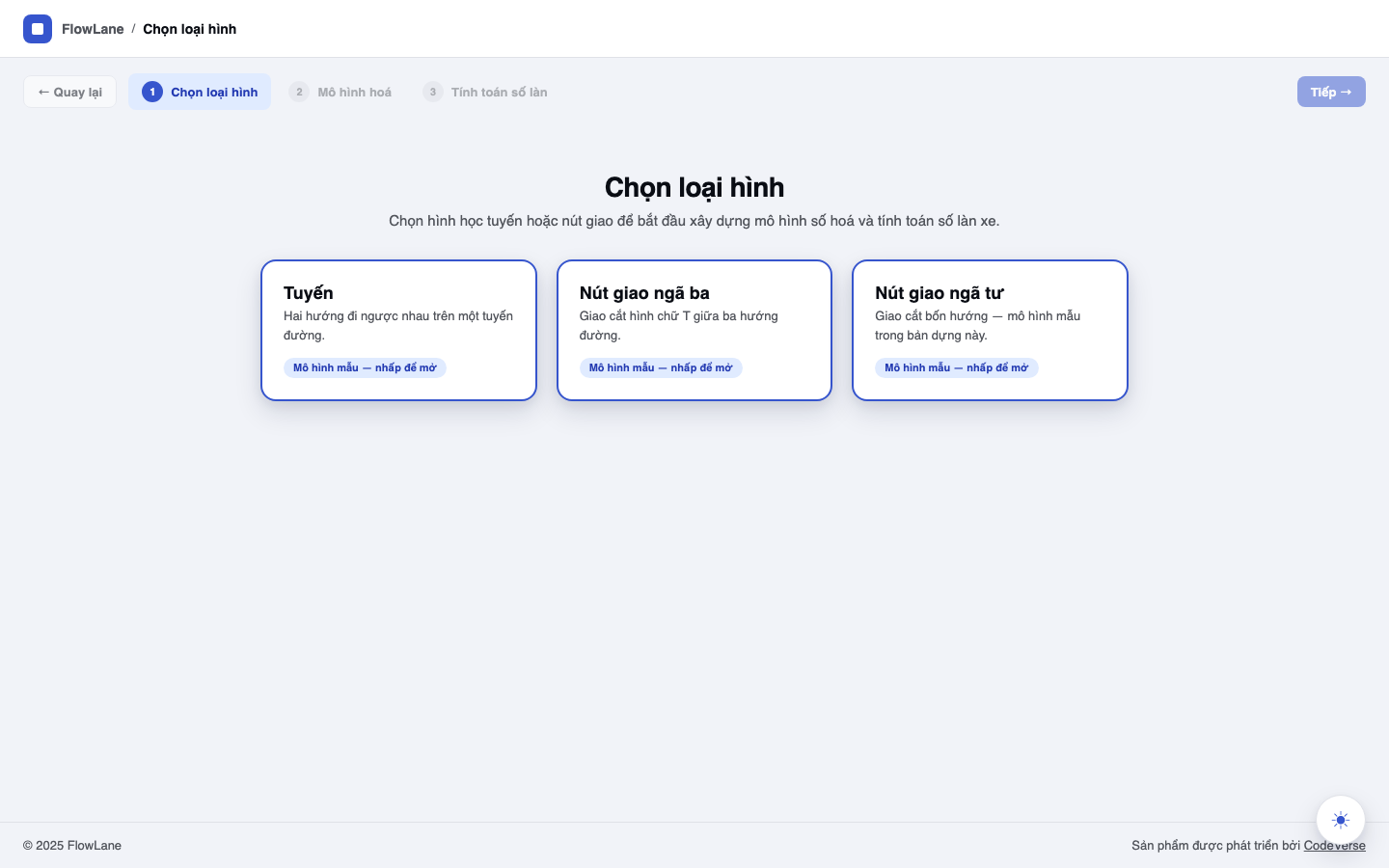
Workflow of the two core features.

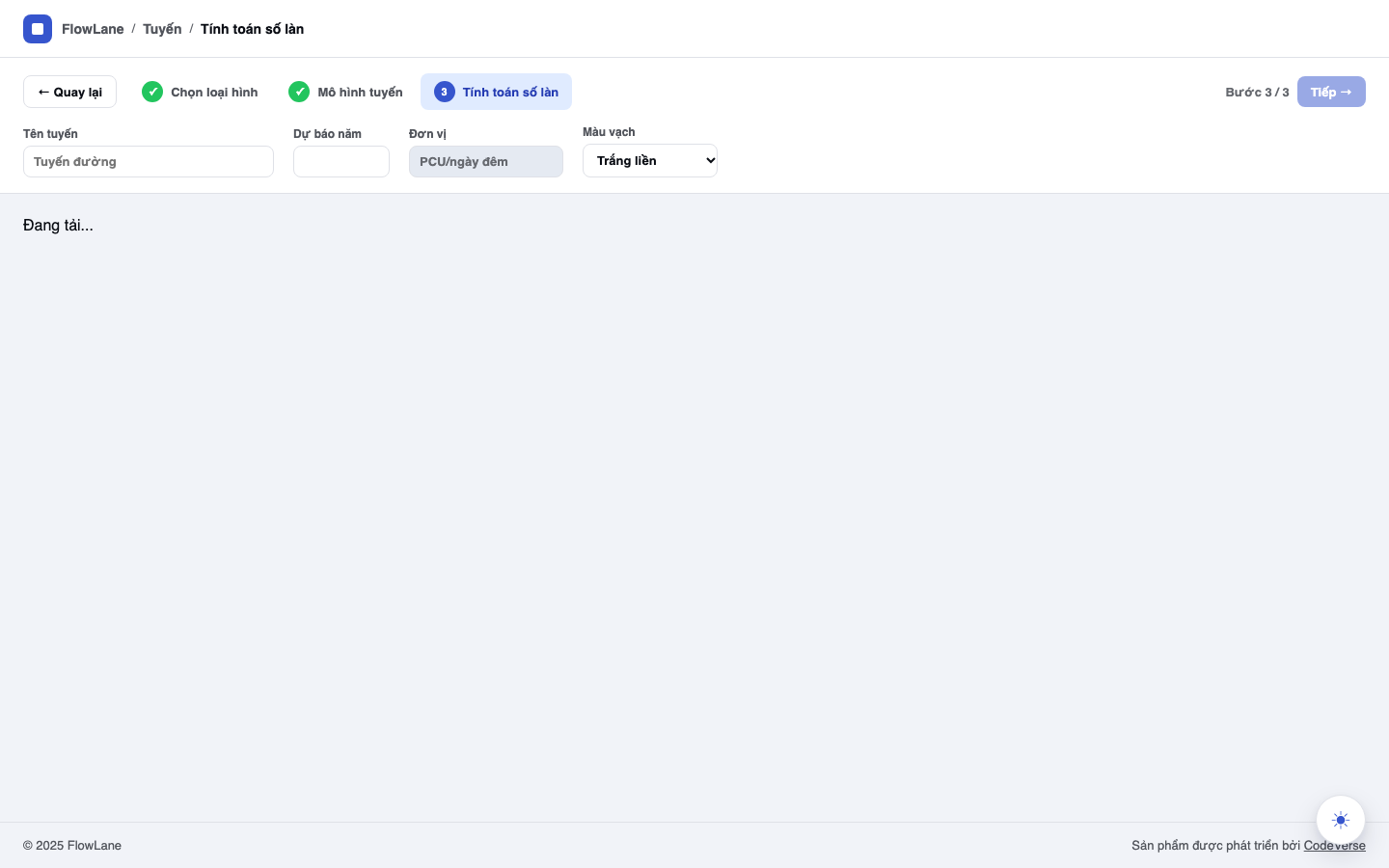
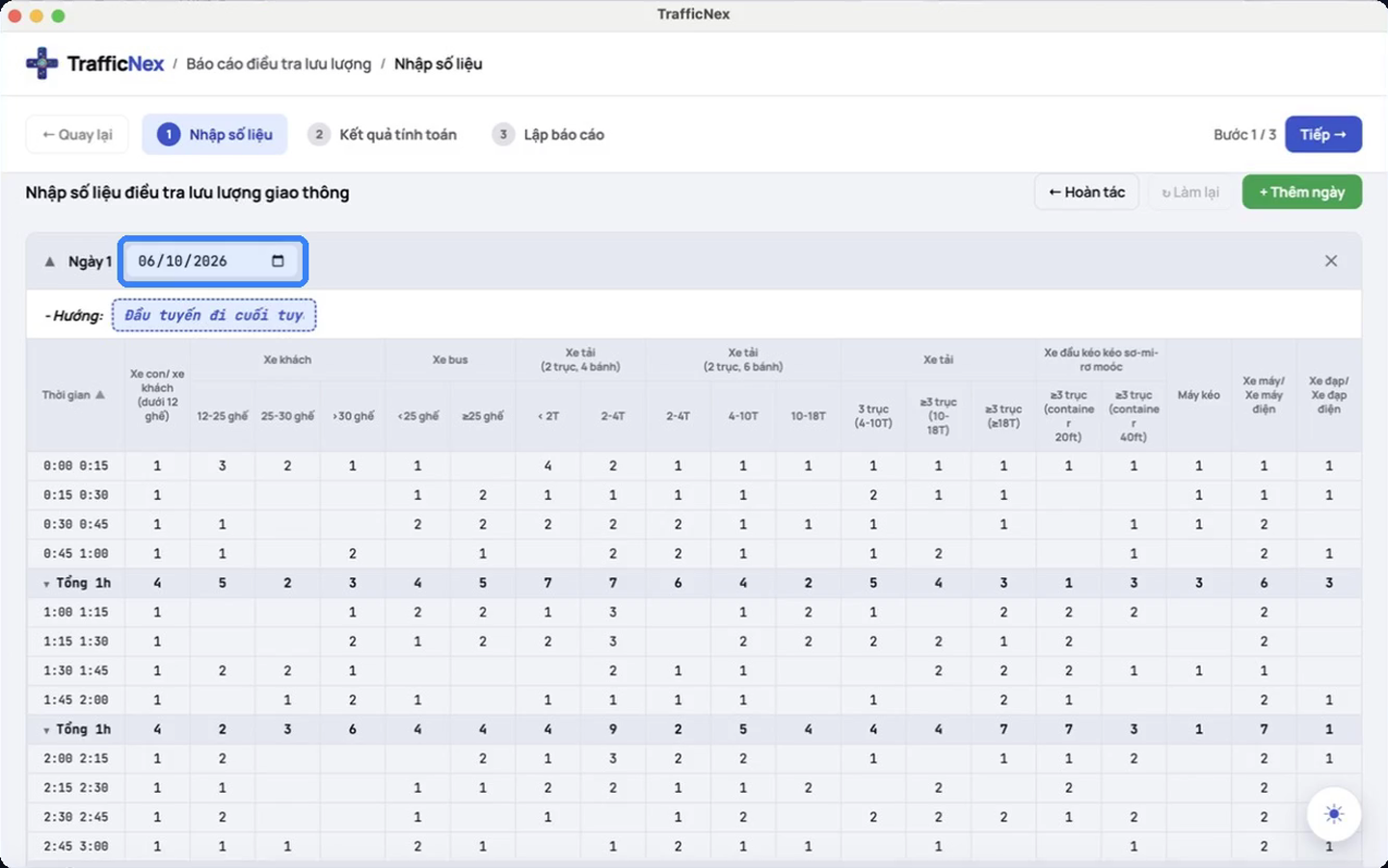
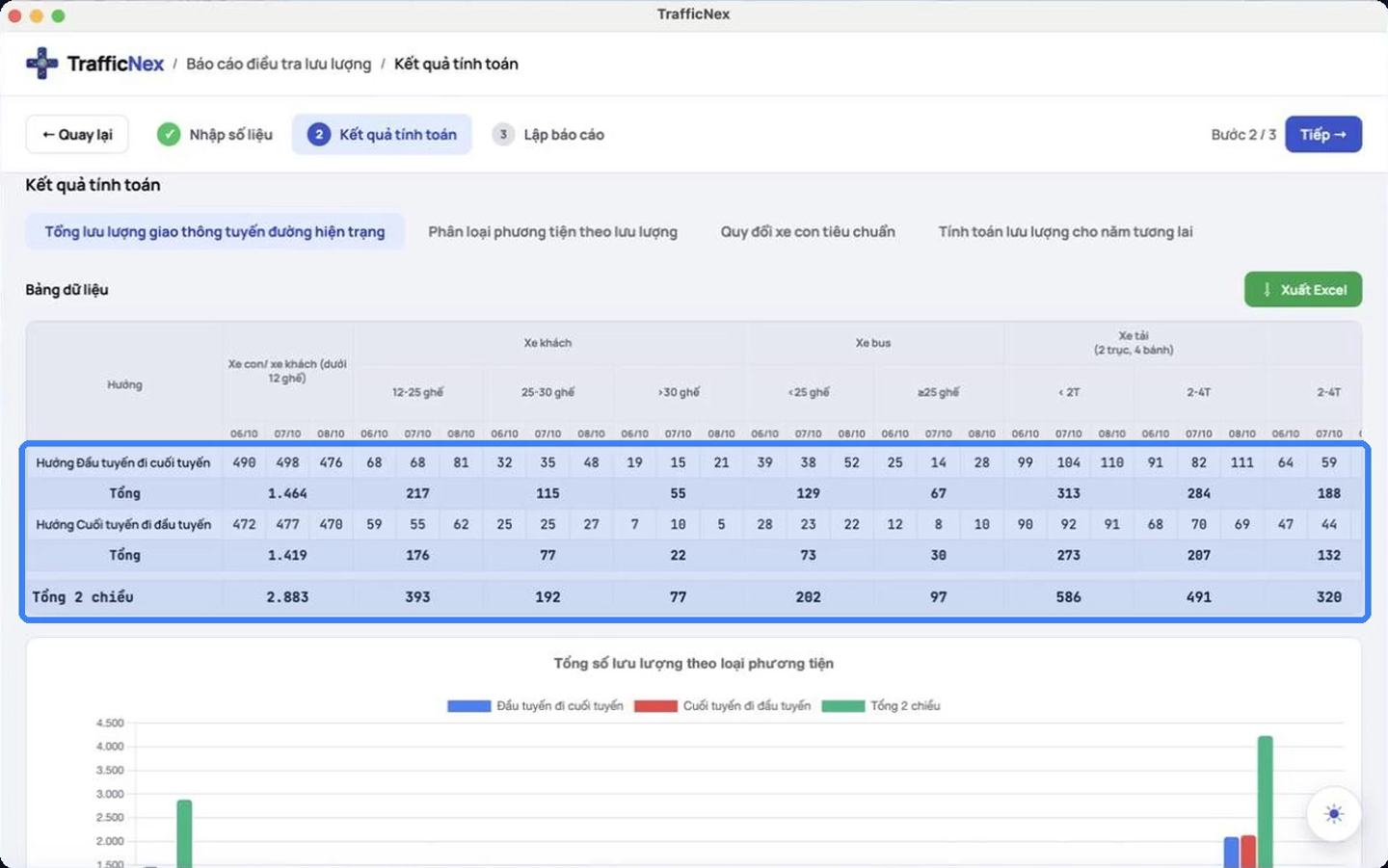
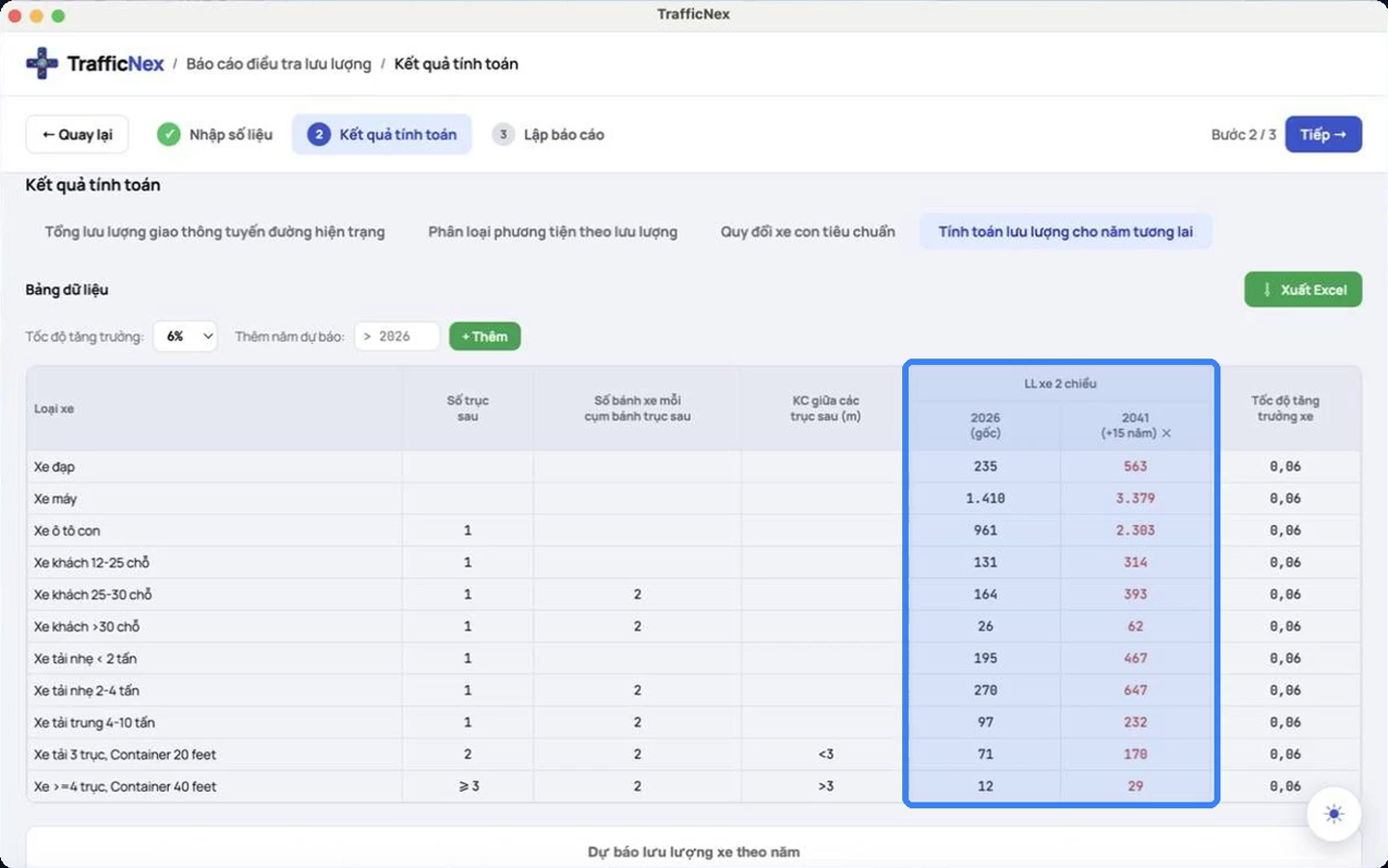
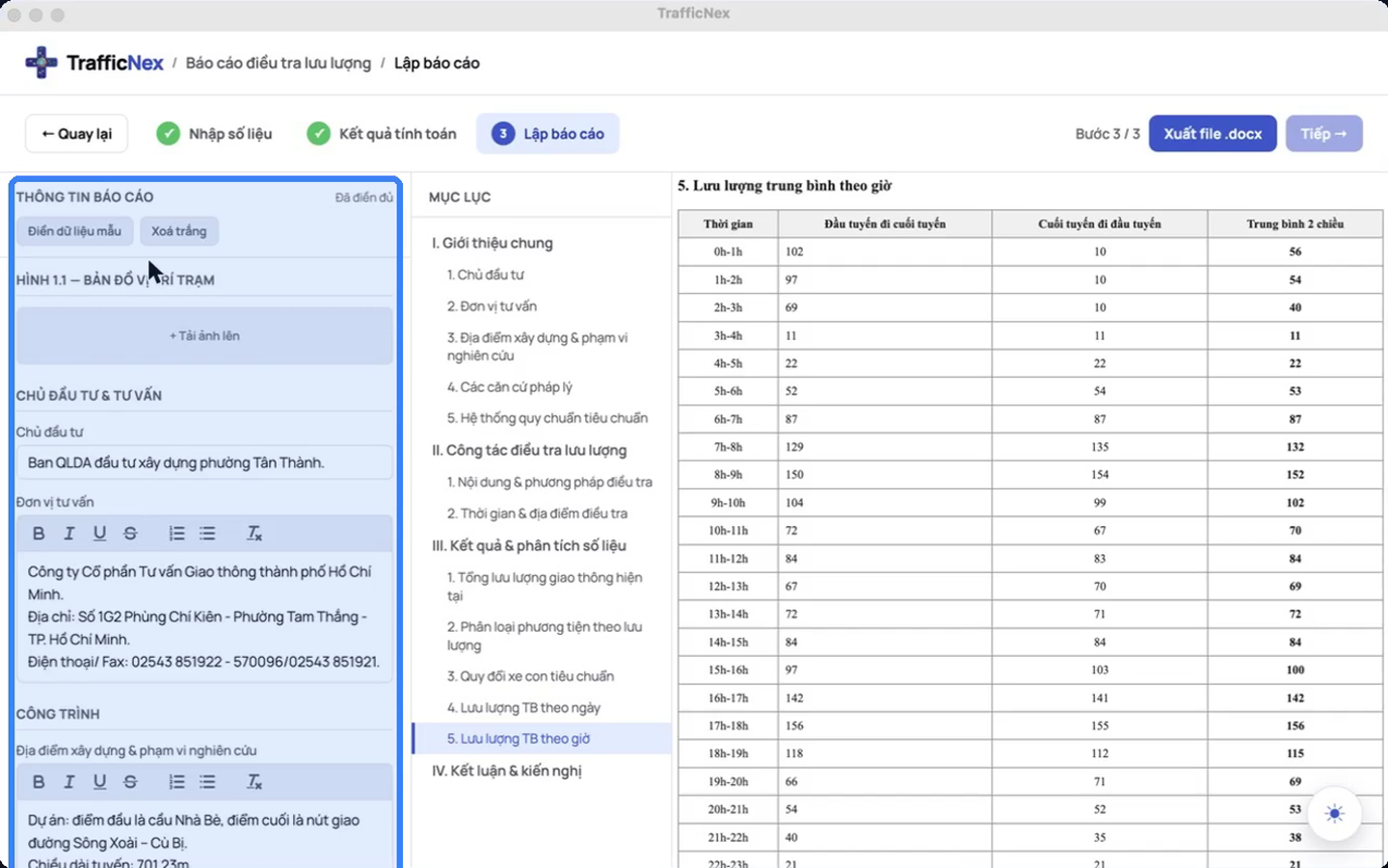
5 standardized steps from survey data to technical report.

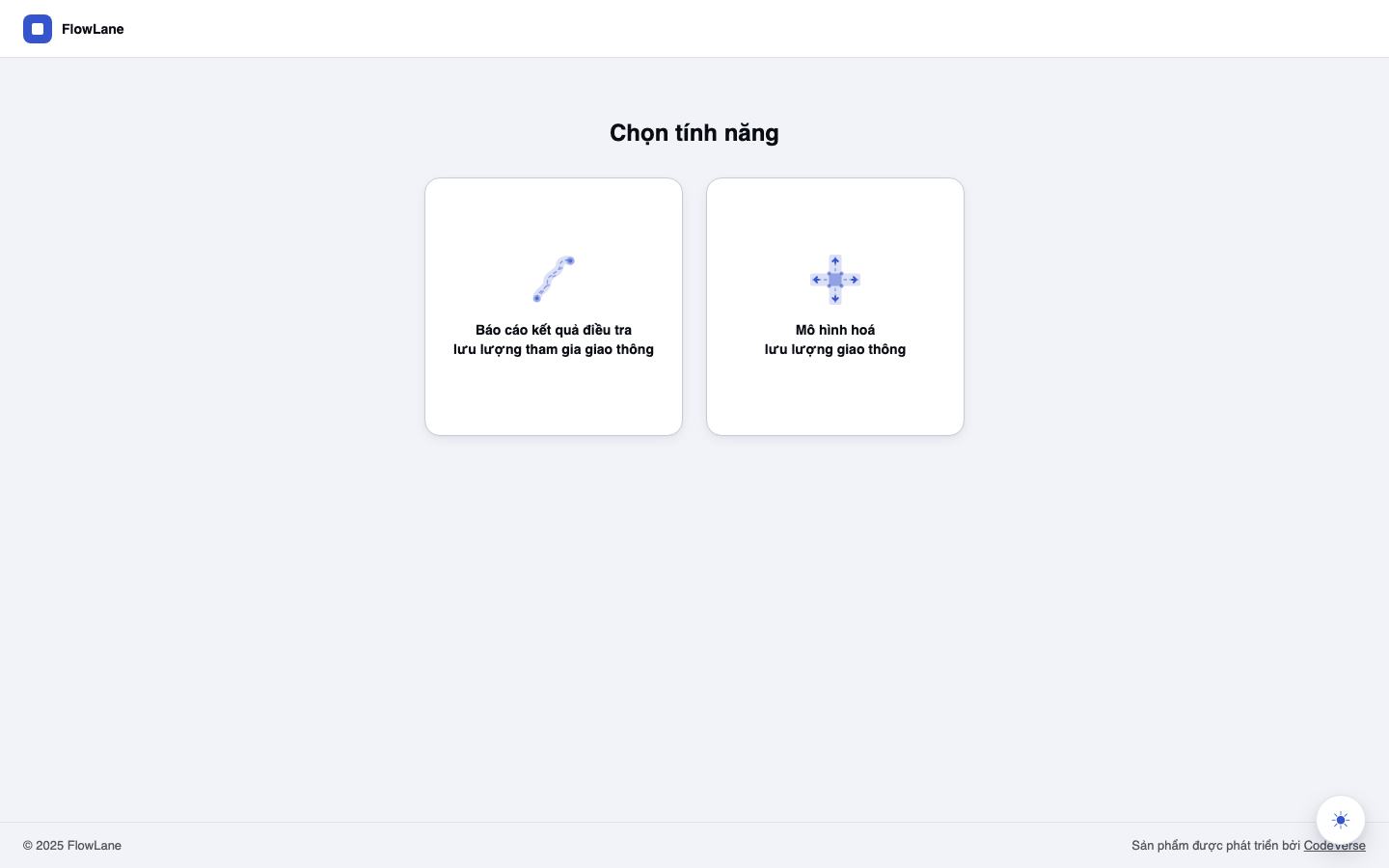
TrafficNex home screen
Choose the Traffic survey report feature
Why TrafficNex

Specialized solution for traffic analysis & design.

Standardizing data collection, intersection modeling, and technical indicator assessment per QCVN and TCVN.

Up to 80% less processing time

Cuts the reporting workflow from 3–5 days to just 0.5–1 day. Enter data once, and the system processes it automatically and outputs results instantly.

≥ 80% time saved

Standardized & Accurate Data

Completely eliminates errors from manual Excel formulas and scattered file handoffs. Computation data is centralized, consistent, and easy to trace and verify.

Per QCVN, TCVN, TCCS

Diagram & Traffic Flow Visualization

Automatically generates junction diagrams, vehicle trajectories, and lane count summary tables as soon as you enter data — no more manual diagram drawing.

Road · T-junction · 4-way

Compliant with Technical Standards (QCVN/TCVN/TCCS/TT…)

Integrates traffic volume aggregation, data analysis, and technical indicator calculation under the system of Regulations, Standards, and Base Standards (QCVN/TCVN/TCCS). Design coefficients and level of service (LOS) can be flexibly customized for each project.

Flexible design parameters

Connected data ecosystem

Fully integrates 5 specialized modules (Nex Count, Nex Model, Nex Intersection & Signal, Nex LOS, Nex Simulation) on a single shared data platform, with no time wasted re-entering data between stages.

5 specialized modules

Optimized tooling

TrafficNex automates repetitive calculation steps, acting as a capable technology assistant that lets experts stay fully in control of verification, quality control, and the final decision.

Engineer owns the process
Services

We work alongside your team, not just sell software.

Beyond the app, the TrafficNex team helps you roll out, learn and adapt the tool to the way your organization already works.

Organization rollout

Install, license and configure TrafficNex for every engineer in your team, with guidance on managing licenses.

Consultancies · Authorities

Training

Hands-on sessions, in person or online, on your own project: from entering survey data to exporting the report.

In person · Online

Project customization

Preset parameters, conversion factors and report templates to match a specific project or client requirement.

Parameters · Templates

Technical support

Answers to usage questions, a channel for feedback, and new versions for as long as your license runs.

Regular updates
Pricing

Try it for 7 days, decide when you're sure.

Pick the plan that fits your workload — from a single engineer to a whole design consultancy.

ProContact usPricing announced at launch

For independent traffic engineers who use TrafficNex every day.

  • Everything in the free trial
  • No time limit
  • New version updates
EnterpriseContact usBased on number of users

For design consultancies and authorities rolling TrafficNex out to many engineers.

  • Everything in Pro
  • Multi-user licensing
  • Deployment support for your team

Paid plan pricing is being finalized and will be published here.

Install

Install on your machine in a few minutes.

TrafficNex is a desktop app for Windows and macOS. Grab your build and start the 7-day trial.

macOS

For Mac computers
Version 1.0.8
  • Apple SiliconM1, M2, M3, M4 chips.dmgv1.0.8arm64
  • IntelMacs with an Intel chip.dmgv1.0.8x64

Requires macOS 11 Big Sur or later. Not sure which chip? Apple menu → About This Mac.

Blocked the first time you open it?

Open System Settings → Privacy & Security, scroll down and click Open Anyway. You only need to do this once.

Windows

For Windows PCs
Version 1.0.8
  • Windows 64-bitNSIS installer.exev1.0.8x64

Requires Windows 10 or 11, 64-bit.

Windows SmartScreen warning?

Click More info → Run anyway to continue the installation. You only need to do this once.

  1. Download the installer

    Pick the Windows (.exe) or macOS (.dmg) build above.

  2. Run the installer

    Open the downloaded file and follow the prompts; nothing else to configure.

  3. Sign in & start the trial

    Open TrafficNex, sign in to your account and start your 7-day trial.

Every download starts with a free 7-day trial.

Get started today

Ready to accelerate your traffic analysis workflow?

TrafficNex — assists engineers, doesn't replace expertise. Faster aggregation, better control.